40+ Themes for Every App & Game
40 hand-tuned themes across Mobile Games (Action, RPG, Racing, Casual), AI, SaaS, Social, Audio, Fitness, and Wealth. Each comes with dual light/dark modes and custom palettes.
Turn raw portrait and landscape screenshots into high-converting App Store and Google Play showcases in seconds. 40+ designer themes, 10 3D devices, zero watermarks.
Shipframe works best on a computer. Send yourself the link and pick up there.
Same three screens, one theme, about a minute of work. Drag the handle to compare.
Not another clunky Figma. Just pure, purpose-built craftsmanship for store screenshots.
40 hand-tuned themes across Mobile Games (Action, RPG, Racing, Casual), AI, SaaS, Social, Audio, Fitness, and Wealth. Each comes with dual light/dark modes and custom palettes.
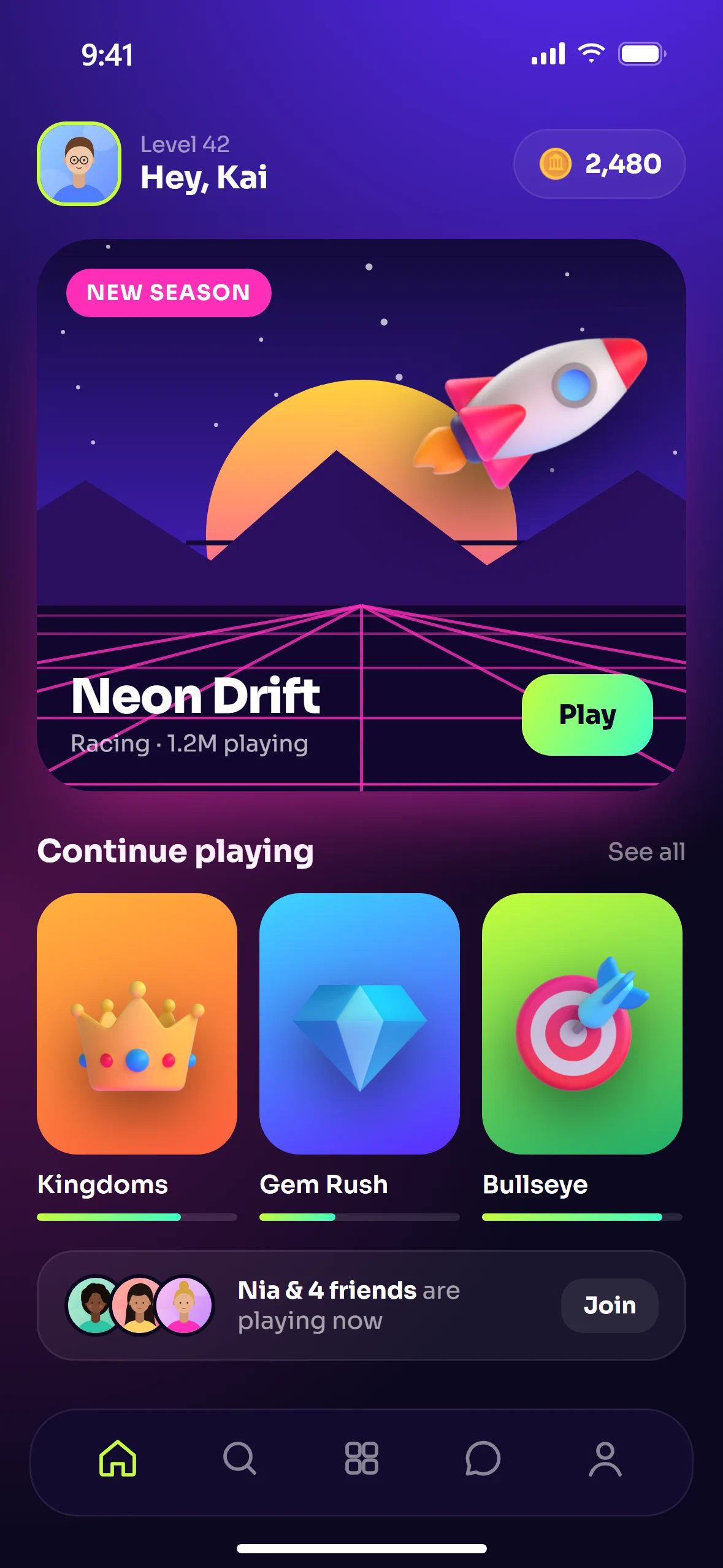
Full 16:9 and 19.5:9 horizontal frames for Unity, Unreal & Godot games. Highlight high FPS, co-op action, and battle arenas with gamer-ready badges.
Design once, export them all.
1320 × 28682853 × 20071398 × 20341284 × 27781242 × 22082064 × 27521080 × 19201600 × 2560iPhone 17 Pro, Galaxy S25 Ultra, Pixel 9 Pro, iPad, and Duo frames in five finishes. Move your pointer here to tilt it.
Pan, zoom from 0.5x to 2.5x, and rotate screenshots inside any device. Real status bars, punch holes, and dynamic islands stay cleanly pinned on top.
Curated typography with automatic contrast. Wrap any word in stars to highlight it.
Exports are flat 24-bit RGB PNGs, so App Store Connect and Google Play Console accept every single file without rejection.
Everything renders directly in your browser. Unreleased gameplay and confidential features never touch an external server.



 Smart replies
Ratings, review cards, chips and 86 glossy 3D objects. Place them anywhere, even spanning across slides.
Instant undo, snapping, copy & paste between slides, project saving, and browser persistence.
Mesh gradients, linear blends, film grain, patterns or your own raw artwork stretched seamlessly across slides.
Use screenshots from Xcode Simulator, Android Studio, Unity, or straight from your real device.
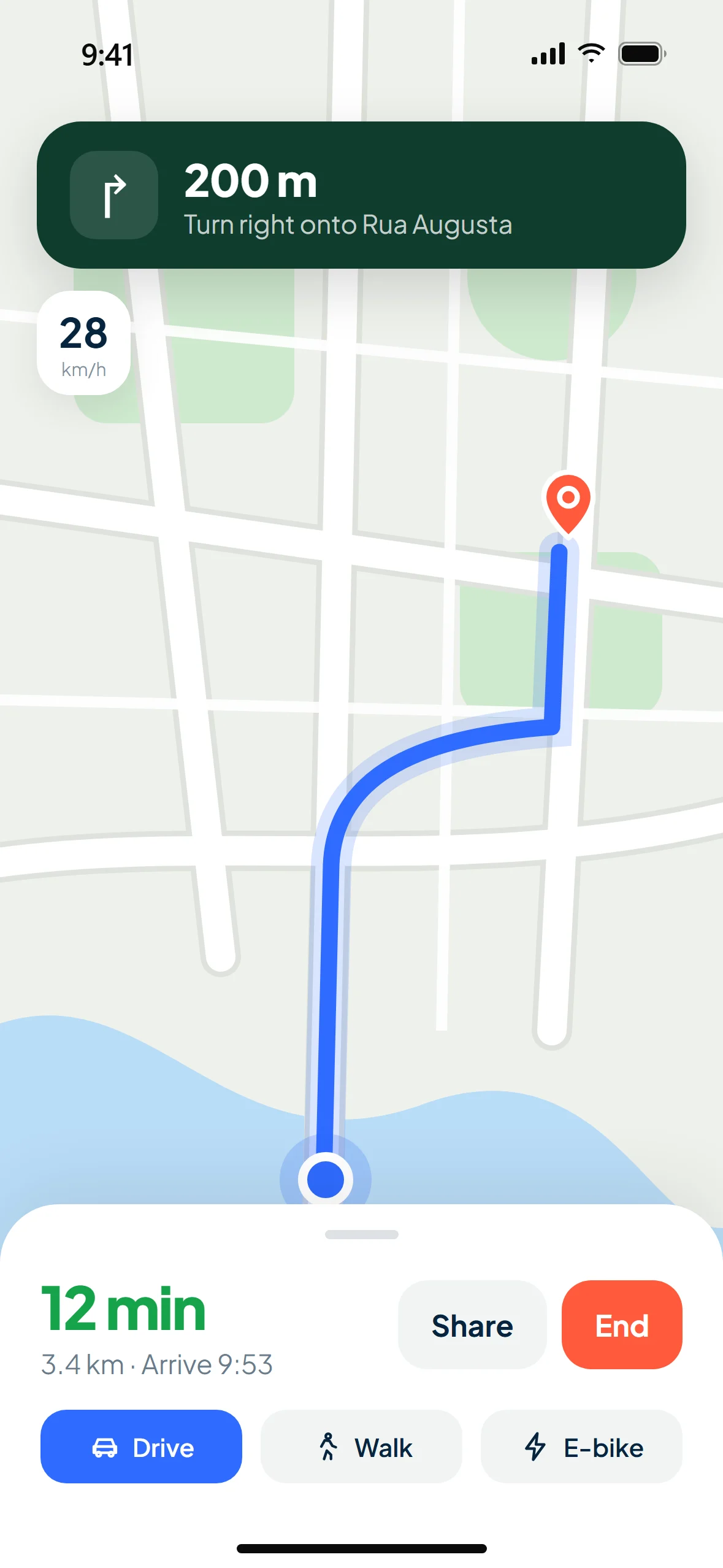
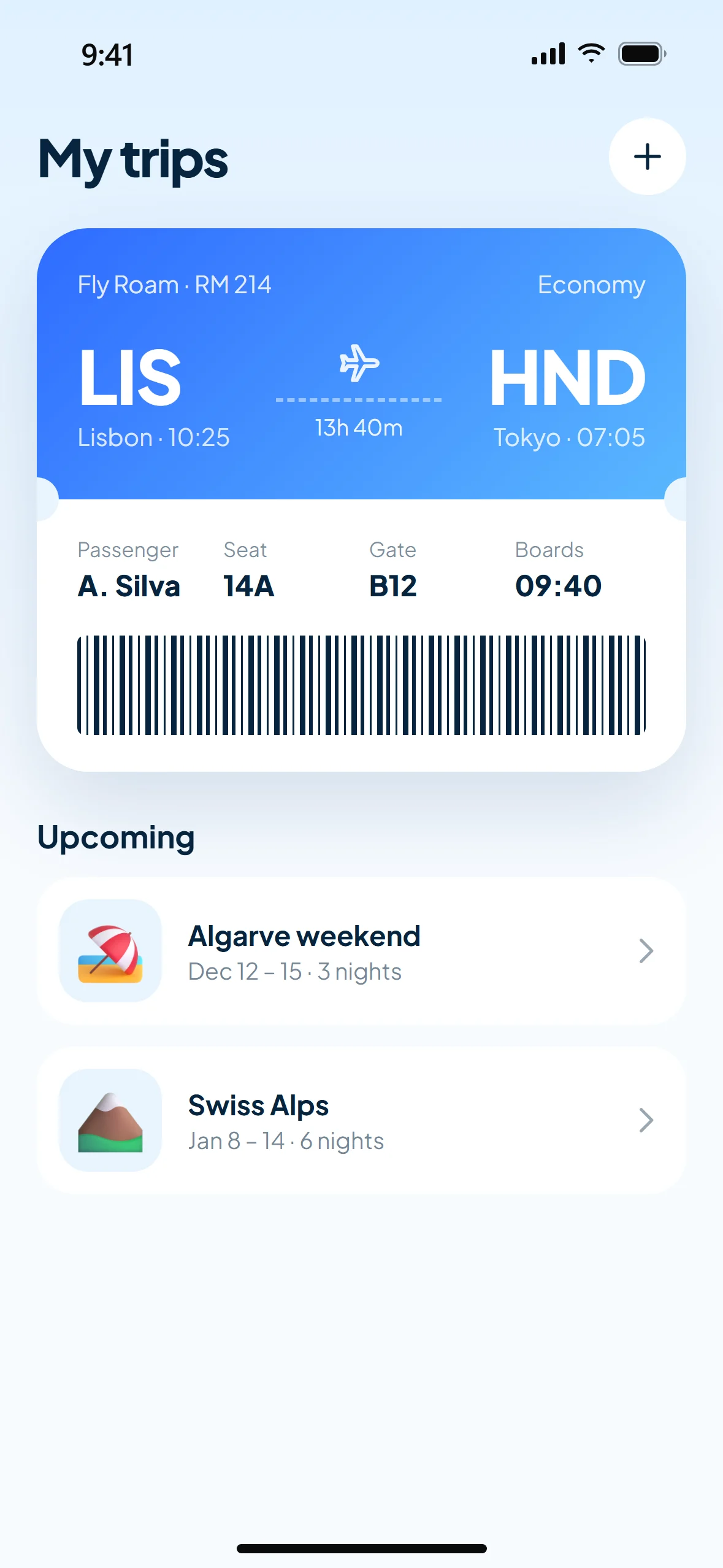
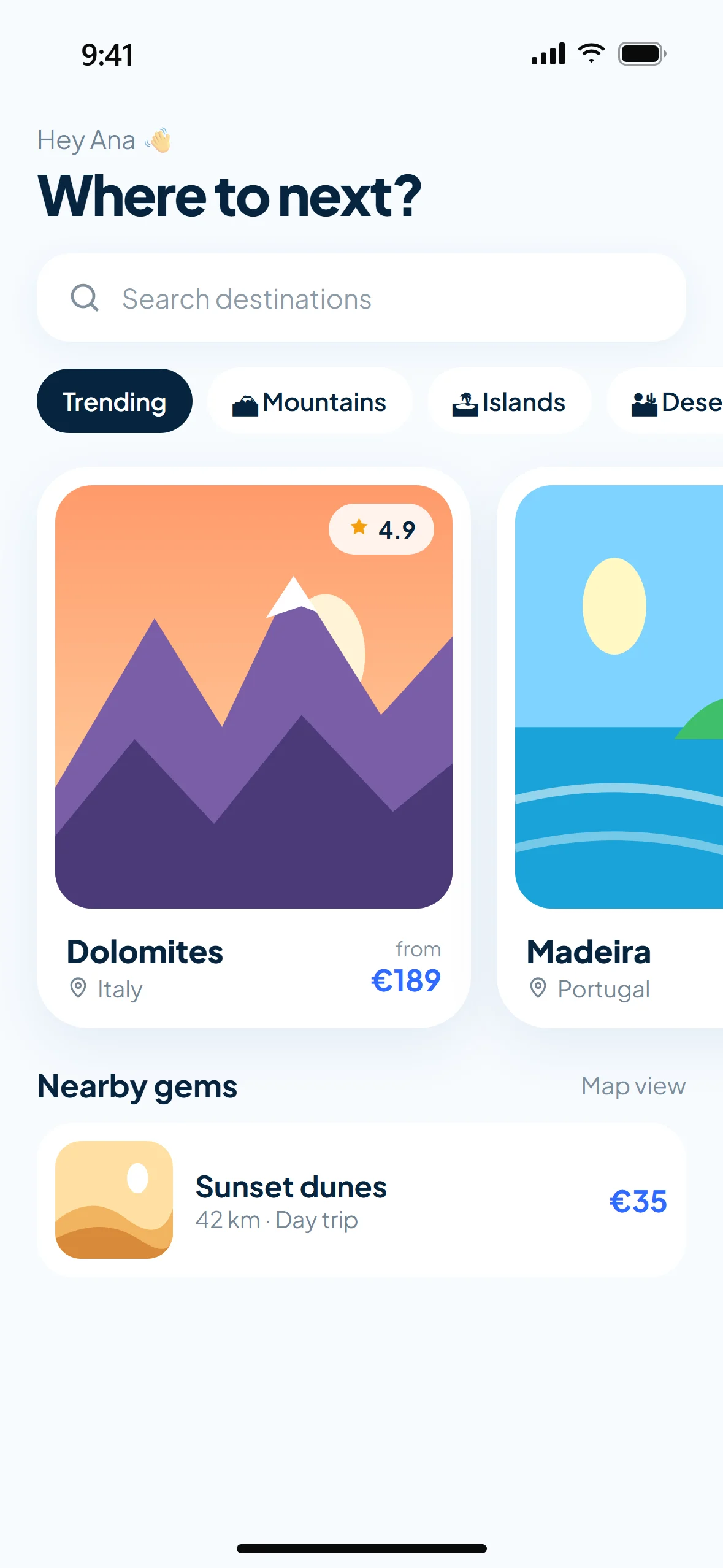
Drag images onto the studio. Each one automatically snaps inside the phone or tablet frame.
Tweak headlines, choose fonts, toggle landscape/portrait, zoom/crop, and add ratings or badges.
One click downloads a complete ZIP package with App Store Connect and Google Play Console dimensions.
Unity, Unreal, and Godot creators shipping landscape or portrait titles with punchy action badges and zero hassle.
Shipping apps on nights and weekends? Look like a multi-million dollar studio from day one.
Deliver store-ready sets for client apps across iOS and Android without paying monthly Figma or mockup subscriptions.
No subscriptions. No forced watermarks on export. Built for builders who ship.
Complicated Figma plugins, rigid templates, or watermarked exports that force subscriptions.
All 40+ themes, 10 devices, and instant ZIP exports for App Store & Google Play with zero watermarks.
Launch Free StudioNeed custom advice or support? Everything runs directly in your browser.
iPhone 6.9″ (1320×2868), iPhone Duo open landscape (2853×2007), iPhone Duo folded (1398×2034), iPhone 6.5″ (1284×2778), iPhone 5.5″ (1242×2208), iPad 13″ (2064×2752), Android phone (1080×1920) and Android tablet (1600×2560).
Yes. Shipframe Studio exports flat RGB PNGs with no alpha channel at the exact pixel sizes Apple and Google accept, completely avoiding the notorious "images can't contain alpha channels" upload rejection.
Yes! With the Orientation toggle in the studio top bar, you can seamlessly switch any mockup to true horizontal landscape (19.5:9 / 16:9), perfect for Unity, Unreal, and Godot mobile games.
Yes. Under the screenshot settings, you have dedicated Zoom (0.5x to 2.5x), Move X/Y pan sliders, and a 180° rotation slider. The hardware status bar and punch-hole camera stay pinned safely on top.
No. Everything renders 100% locally on your machine via HTML5 Canvas. Your unreleased assets never leave your computer.
None at all. Choose one of the 40+ curated themes, drop in your screenshots, edit the text, and hit Export.
Yes. Shipframe Studio generates clean, commercial-ready screenshots with zero watermarks at full resolution.
Free to use. No sign-up required. About 60 seconds to your first store-ready set.
Launch Free Studio